

Creating smart home scenes with Alexa and Philips Hue is a fun way to enhance your space. First, set up your Philips Hue with a Hue Bridge and enable the Hue skill in the Alexa app. Use simple commands like, “Turn on the living room lights,” or customize with specific settings, such as, “Make the kitchen lights blue.” You can create tailored scenes in the Hue app, making adjustments as needed. For more tips on maximizing your smart home experience, keep exploring.
Key Takeaways
- Enable the Philips Hue skill in the Alexa app and link your Hue account for seamless integration.
- Utilize the Hue app to create and customize scenes with preferred colors and brightness settings.
- Use the command “Turn on [scene name]” in Alexa to activate your custom Hue scenes effortlessly.
- Experiment with Alexa routines to automate multiple lights and scenes based on specific triggers or schedules.
- Troubleshoot by ensuring lights are correctly linked and re-create scenes in the Alexa app if needed.
Setting up Philips Hue With Amazon Alexa
Setting up Philips Hue lights with Amazon Alexa can transform a home into a smart living space. To begin, users need a compatible device and the Alexa app installed on their smartphones. For the best experience, it’s advisable to use a Hue Bridge, which offers enhanced features and connections through Matter, rather than just Bluetooth. After initiating the Alexa app, users should search for the Philips Hue skill, enable it, and link their Hue account by selecting the correct Hue Bridge. If using Bluetooth, it’s essential the smart lights are powered on. In case Alexa does not automatically discover devices, saying, “Alexa, discover devices,” can prompt a successful connection. This enables voice commands to adjust light scenes or create custom scenes effortlessly. For optimal sound quality in your home setup, consider using high density foams to reduce vibrations and enhance audio clarity.
Essential Alexa Commands for Philips Hue
Once Philips Hue lights are successfully connected to Alexa, users can explore a variety of voice commands that enhance their smart home experience. Simple commands like “Turn on all the lights” or “Turn off all the lights” make daily routines effortless. For custom lighting, users can say, “Dim the entryway light by 20%” or “Brighten the living room lights to 75%.” With Alexa’s color commands, phrases such as “Turn my kitchen lights red” allow for fun adjustments. Users can also activate scenes created in the Hue app, like saying, “Turn on Relax in the den.” For more complex setups, creating Alexa routines can trigger specific Hue scenes across multiple lights, seamlessly blending functionality with relaxation in any home. Additionally, voice control compatibility with Alexa allows users to integrate various smart bulbs beyond Philips Hue, providing a seamless and efficient smart lighting experience.
Creating Custom Scenes With the Hue App
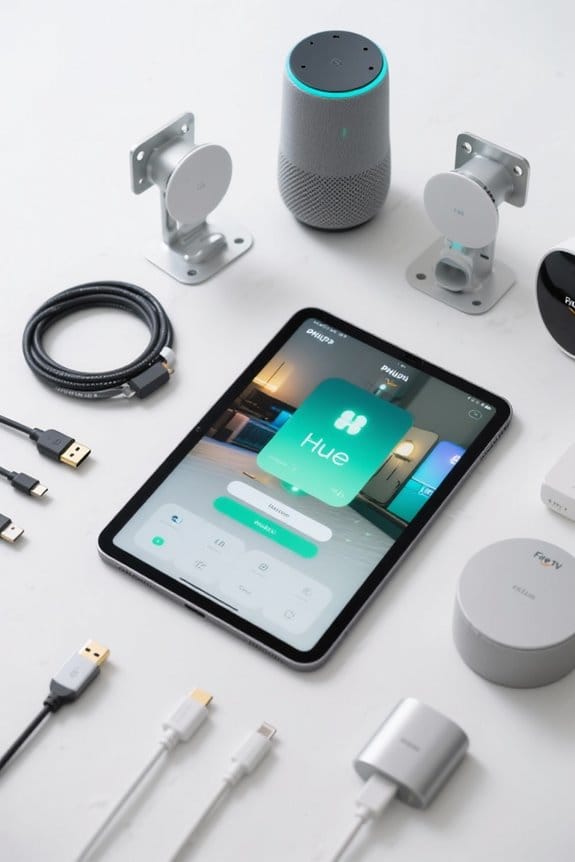
Creating custom scenes with the Philips Hue app opens up a world of personalized lighting options that can make any space feel uniquely inviting. To create a scene, users begin by opening the Philips Hue app, tapping the Home button, and selecting a room. After tapping the plus sign, they can either utilize a photo for inspiration or customize colors and brightness settings directly. Once satisfied, users can save their custom scene with a simple tap. The app also allows for dynamic scene creation, where users can adjust the speed of color changes and enjoy a live preview before finalizing. With these features, managing a smart home becomes easier, and users can access their scenes quickly, even with Alexa control. When integrating smart home devices, it’s important to ensure compatibility with home heating systems to optimize performance and energy efficiency.
Adding Hue Scenes to Your Mobile Home Screen
The convenience of adding Philips Hue scenes to a mobile home screen brings a tangible sense of ease and accessibility to managing smart lighting. For iPhone users, simply open the Shortcuts app, tap the plus sign, and select “Activate a scene” from the Hue app options to access a favorite scene quickly. Android users can personalize their experience by tapping and holding a blank home screen, selecting Widgets, and dragging the Hue widget to their mobile home screen to choose the desired scenes. By creating custom lighting effects, users can enhance their ambiance using photos, colors, and brightness settings, allowing for a fully tailored lighting experience. This approach not only simplifies access but also personalizes how lighting interacts with home life. It is important to note that many smart switches require a neutral wire, which may impact installation choices and compatibility with existing home wiring systems.
Troubleshooting Common Hue and Alexa Issues
Smart home technology promises convenience, but managing the connection between Philips Hue lights and Alexa can sometimes feel like solving a puzzle. Troubleshooting common issues often starts with ensuring the Hue skill is enabled in the Alexa app. Users must also confirm their Philips Hue lights are linked to the Alexa app, either through a Hue Bridge or Bluetooth, to minimize recognition issues. Remember, scenes created in the Hue app may not work with Alexa groups. For those instances, exploring Alexa routines, SmartThings, or IFTTT might do the trick. If Alexa fails to recognize a scene, recreate it in the Alexa app or use specific commands to activate desired lighting configurations. Many smart plugs support hands-free operation via various voice assistants, which can simplify managing multiple devices in a smart home environment. Happy troubleshooting!
Frequently Asked Questions
Can Alexa Set Philips Hue Scenes?
Alexa cannot directly set Philips Hue scenes through voice commands within groups. However, users can achieve smart lighting customization by creating routines, enhancing home automation and aligning with user preferences, delivering intuitive experiences through effective scene control.
Does Philips Hue Work Well With Alexa?
Philips Hue and Alexa integration is a match made in smart lighting heaven—if heaven had occasional tantrums. With voice control, lighting schedules, and energy efficiency, users navigate home automation like seasoned pros despite minor hiccups.
How to Create a Custom Scene in Philips Hue?
To create a custom scene in the Philips Hue app, users can follow scene customization tips for programmable light routines, incorporating custom light settings and mood lighting ideas with various light color themes and Philips Hue accessories for smart home integration.
How to Use Hue Dynamic Scenes?
Dynamic lighting dances to user preferences, creating aesthetic harmony through scene customization. By adjusting color temperature and scheduling automated changes, Philips Hue enhances mood while ensuring energy efficiency in a seamlessly integrated smart home environment.


