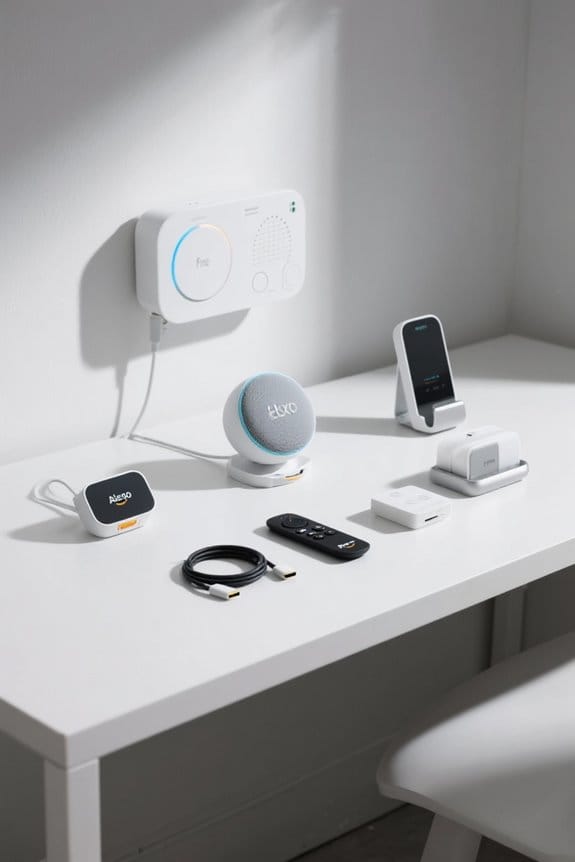
Setting up smart plugs for voice-controlled appliances is quite simple. First, plug the smart device into a power socket. Then, download the companion app and create an account. After granting local network permissions, activate pairing mode and follow the prompts. For Alexa users, verify the smart plug is in your app, then add it under “Devices”. Congratulations! You can now manage your devices with voice commands. Stick around to discover more tips and popular uses.
Key Takeaways
- Plug the smart plug into a power socket and ensure it is securely connected.
- Download the companion app and create an account to manage settings and devices.
- Pair the smart plug with your Wi-Fi network using the app’s instructions for a secure connection.
- Add the smart plug to Alexa or Google Assistant through their respective apps for voice control integration.
- Name the smart plug descriptively for easy identification when issuing voice commands.
What Is a Smart Plug?
Smart plugs are like little gatekeepers for your electricity, transforming any dumb appliance into a smart one. These compact devices plug into standard wall outlets and connect to your WiFi network, allowing you to control a smart plug remotely. Users can manage their devices through a smart plug’s app, making it easy to schedule usage times or turn appliances on and off as needed. With integration into your smart home devices, they enhance automation, creating a synchronized environment. Additionally, many smart plugs can respond to voice commands via digital assistants like Amazon Alexa or Google Home, simplifying your daily routines. They even monitor energy consumption, giving valuable insights for more informed electrical usage (and potential savings). UL certification is crucial for safety, especially when used with high-power appliances, ensuring reliable operation and peace of mind.
Benefits of Using a Smart Plug

When exploring ways to enhance home automation, the benefits of using a smart plug quickly become apparent. Smart plugs enable convenient voice control of connected appliances, allowing hands-free operation through popular voice assistants like Amazon Alexa or Google Assistant. This functionality is not only practical—enabling users to control multiple devices—but also safe, as it allows remote management of heat-generating appliances to prevent hazards. Additionally, smart plugs come equipped with energy monitoring features, enabling users to track power consumption and automate devices according to their schedules, reducing energy waste. Smart plugs generally rely on a 2.4GHz Wi-Fi network for optimal performance, ensuring reliable connectivity and control. Ultimately, whether it’s for convenience, safety, or efficiency, smart plugs are a valuable addition for anyone looking to optimize their daily routines and lower electricity bills.
How to Install a Smart Plug

Installing a smart plug is a straightforward process that can greatly enhance any home automation setup. First, plug the device into a power socket, ensuring it’s securely in place. Next, download the smart plug’s app, like the Kasa Smart app, and sign in or create an account. You’ll need to grant local network permission through your smartphone settings to make a secure connection. Afterward, activate the smart plug’s pairing mode and follow the on-screen instructions to connect it to your Wi-Fi network. Once successfully set up, you can easily customize it by naming the smart plug for easier identification. This allows you to remotely control devices in your home using your voice assistant, making daily tasks more convenient. For added safety, consider selecting a smart plug with UL certification to ensure reliable performance.
Recommended Products
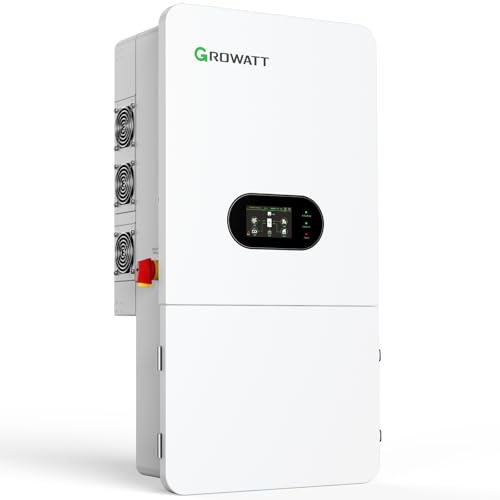
【10 Years of Peace of Mind】Trusted by 6M+ users worldwide, our leading PV inverter brand provides a 10-year product quality assurance and local support, ensuring fast, reliable service and assistance whenever you need it, right in your area.

1500VA/1350W Smart App Online Sinewave Uninterruptible Power Supply (UPS): Uses sine wave output to provide battery backup power for Active PFC power supplies; Safeguards server rooms, core network equipment, storage systems, and VoIP infrastructure

Level 2 Charging Performance – Provides up to 50A of power for fast charging; adds approximately 32 miles of range per hour at 40A using a NEMA 14-50 plug.
Pairing Your Smart Plug With Alexa
Pairing a smart plug with Alexa can be a seamless process, allowing for greater convenience in managing home devices. To start, confirm the smart plug connects to your Wi-Fi via its companion app, like Kasa Smart. Many smart switches require a neutral wire, which may not be present in all homes. Then, open the Alexa app, go to the “Devices” section, and tap the plus sign icon to add a device. Select “Plug” and choose the brand of your smart plug. Before proceeding, verify the smart plug is powered on and set up in the companion app. Follow the on-screen instructions, assigning it to the appropriate room for easy voice command management. Once paired, users can operate their appliances using simple voice commands, enhancing the smart home experience substantially.
Recommended Products

DESIGNED FOR IN-WALL INSTALLATION: This electric fireplace is specially created for recessed mounting in walls. Its minimal black frame gives a room a sleek, modern look. This versatile fireplace also adds a cozy touch to a living room, bedroom, or office. The 84-inch fireplace comes with easy-to-follow instructions to help homeowners install the unit on their own.

🔥 CONTEMPORARY WOOD FIREPLACE MANTEL: The Modern Ember Patton Smart Electric Fireplace Mantel Package in black is a stylish addition to your home that combines sleek lines with modern convenience. Crafted with a contemporary wood mantel surround made of high-quality poplar wood.

🔥 ELEGANT FLUTED DESIGN: A unique mantel package design featuring exquisite fluting details, rounded corner edges, slim profile framing, and a curved leg design.
Setting Up Your Smart Plug in the Companion App
Setting up a smart plug in its companion app is a straightforward and rewarding experience, bringing users one step closer to a fully connected home. First, download an app like the Kasa Smart app, then create or log into your account. Grant local network permission to guarantee connectivity with your smart plug. After plugging the smart plug into an outlet, follow the app instructions to activate pairing mode. Tap “Set Up New Device” or the plus icon, then follow the prompts to connect to your WiFi network. Prioritize stability with 2.4GHz connectivity to ensure reliable performance as you connect your device. Once connected, users can easily manage the smart plug settings, such as scheduling when devices should turn on or off. This feature enhances convenience, making daily routines just a bit easier.
Managing Smart Plug Settings in Alexa
While connecting a smart plug to its companion app is the first step in creating a connected home, managing its settings in Alexa takes convenience to the next level. To begin, users should open the Alexa app, moving to the Devices section and identifying their smart plug under the Plugs category. By selecting the gear icon, they can edit the smart plug’s name for easier voice command recognition. Alexa also offers the option to enable or disable the plug, providing control over functionality directly from the app. For added flexibility, users can group the smart plug with other devices, allowing them to control multiple items simultaneously with a single command. (Efficiency can be a real time-saver!) For users looking for reliable offline operation, options like the Linkind Matter Smart Plug provide continuous functionality even during internet outages, ensuring essential devices remain operational.
Smart Plug Features and Compatibility
Smart plugs come packed with features that enhance the smart home experience, making them a practical choice for any tech-savvy household. Many smart plugs, such as the Kasa Smart Plug, are compatible with popular voice assistants like Amazon Alexa and Google Assistant, allowing seamless integration with other smart devices. Some models even offer energy monitoring capabilities, giving users real-time insights into power consumption. Most smart plugs typically require a Wi-Fi connection—many only support 2.4G networks—making setup easy for standard home internet. Additionally, the versatile Kasa Smart Plug Power Strip provides six individually controlled outlets and three USB ports for added convenience. Safety is also a priority, as Kasa smart plugs are UL certified to meet strict electrical standards. It’s important to consider safety certifications when selecting smart plugs, as these ensure compliance with electrical safety standards and provide peace of mind.
Best Smart Plugs for Amazon Echo and Google Home
When looking for the best smart plugs compatible with Amazon Echo and Google Home, several solid options stand out, showcasing a blend of functionality and ease of use. The Kasa Smart Plug and Wemo Smart Plug both integrate well, offering voice control through Alexa or Google Assistant. The Kasa Smart Plug Mini is particularly notable for features like energy monitoring and scheduling, which help manage devices efficiently. For Amazon users, the Amazon Smart Plug provides straightforward compatibility with Alexa, making voice commands a breeze. When choosing smart plugs, consider factors like compact design and the ability to manage multiple outlets. These options streamline your voice-controlled experience, making home automation both effective and enjoyable (not to mention less cluttered). Additionally, energy-efficient options such as smart plugs help reduce battery requirements and promote sustainability in your smart home setup.
Recommended Products
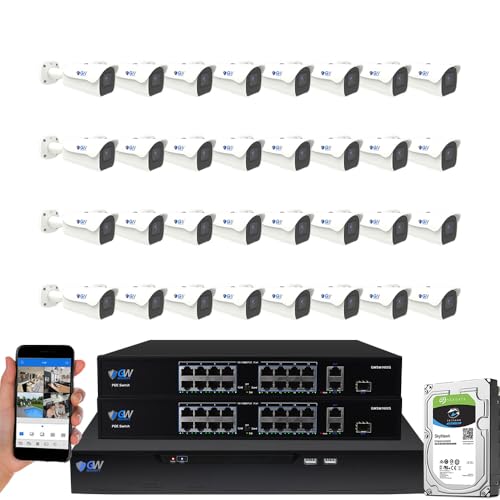
8-Megapixel with 3840x2160 Ultra High Resolution 4K Video & Audio 32 Channel 6K 12MP NVR Security Camera System with (32) 4K (8MP) Weatherproof 2.8-12mm Motorized Zoom H.265+ PoE IP Bullet Camera

Ultra High Definition 4K (3840x2160) FOUR TIMES the resolution of 1080P! 32 Channel 6K 12MP NVR 4K Security Camera System with (32) H.265+ 4K (8MP) @20FPS Weatherproof 2.8mm Wide Angle PoE IP Dome Cameras (Built-in Microphone)

This bundle includes the SAMSUNG 65-inch Class QLED The Terrace Outdoor Smart TV with Alexa Built-In and the Amazon Smart Plug.
Popular Uses for Smart Plugs
A wide range of practical applications makes smart plugs an attractive addition to any home. These devices enable automation for various connected devices, enhancing daily life. For instance, smart plugs can turn slow cookers on and off remotely, ensuring meals don’t overcook. Homeowners also find them useful for holiday lights, scheduling them for security when away. Coffee enthusiasts appreciate the ability to remotely brew coffee each morning, starting their day with freshly brewed bliss. Additionally, climate control becomes effortless as smart plugs can preheat air conditioners or space heaters before returning home. Outdoor setups, like string lights or water pumps, can be easily managed through an app on your phone, making convenience a key feature of smart plug technology. With weather-resistant designs, outdoor smart plugs ensure durability and reliability, even in challenging conditions.
Troubleshooting Your Smart Plug
Troubleshooting a smart plug can sometimes feel like solving a little tech mystery, especially when things don’t operate as intended. If the smart plug is unresponsive, the first step is to check the Wi-Fi connection to confirm the network is functioning correctly. A simple reset often resolves issues; locate the reset button and follow the manufacturer’s instructions for re-pairing. Using the companion app is key, as it helps monitor firmware updates that can enhance performance and fix bugs. If the plug still won’t connect, delete it from the app and re-add it, confirming Wi-Fi credentials are correct. Noticing that the indicator LED doesn’t change color after these steps may indicate a possible hardware failure, requiring customer support assistance. Smart plugs often operate on 2.4 GHz Wi-Fi, which is important to ensure compatibility and avoid connection issues.
Naming Strategies for Smart Plugs
How can naming strategies enhance the experience of using smart plugs? Effective naming conventions play a significant role in managing smart plugs, especially when utilizing voice commands. For instance, using descriptive device names like “Living Room Lamp” simplifies identification, helping users control their smart devices effortlessly. Including the term “smart plug” in names, such as “Kasa Smart Plug – Coffee Maker,” keeps clarity when dealing with multiple devices. Additionally, room-based naming, like “[Bedroom – Outlet 1],” categorizes plugs by location, which aids organization. It’s best to avoid complex names that confuse voice assistants. By ensuring consistency in naming, users can easily navigate and control their smart devices, improving their overall experience with smart home technology.
Keeping Your Smart Home Protected
In a world where smart homes are becoming increasingly common, ensuring their protection is more important than ever. To safeguard smart plugs and other connected devices, homeowners should invest in a thorough security plan. Such plans often provide 24/7 live support, ensuring assistance during tech-related issues. Regularly updating the firmware of smart devices helps mitigate vulnerabilities, making them more secure. Additionally, using strong, unique passwords for your smart home devices and Wi-Fi network is essential to prevent unauthorized access. For added security, consider implementing two-factor authentication on any companion apps tied to voice-controlled appliances. These simple steps can greatly enhance your smart home’s protection, allowing peace of mind while enjoying modern technology.
Frequently Asked Questions
How Do I Set up My Smart Plug?
To set up a smart plug, the user must download the app, connect to Wi-Fi, and pair the device. Troubleshooting may be necessary, but automation benefits include energy efficiency and various compatibility options for enhanced control.
What Is a Voice Control Smart Plug?
A voice control smart plug is a device that enhances home automation, allowing compatible appliances to respond to voice commands. It offers features like scheduling, energy savings, and numerous voice control benefits, simplifying daily routines effortlessly.
Do Smart Plugs Work With Any Appliance?
Smart plug compatibility varies by appliance power consumption. High-energy devices may exceed limits, while essential equipment should remain unplugged. Features include voice assistant integration, enhancing the smart home ecosystem when appropriately matched with compatible appliances.
What Should You Not Plug Into a Smart Plug?
A study showed that using a smart plug with a space heater posed safety concerns due to high energy consumption. Appliances requiring specific power requirements should avoid smart plugs to guarantee compatibility and adhere to usage guidelines.