


Echo Buttons provide a unique way for families to engage in interactive games and quizzes that boost teamwork and cognitive skills. The buttons are simple to set up and work via Bluetooth within a 15-foot range. Popular games like “Trivial Pursuit Tap” and “Don’t Cut That Wire!” encourage lively competition. With customizable options through Alexa Skill Blueprints, families can create personalized quizzes. Interested parties will discover even more fun games that cater to various age groups.
Key Takeaways
- Set up Echo Buttons easily by saying, “Alexa, set up my Echo Buttons,” for immediate family games and quizzes.
- Engage in a variety of games like “Trivial Pursuit Tap” and “Don’t Cut That Wire!” for fun interactions.
- Customize gameplay using Alexa Skill Blueprints to create personalized trivia and challenges for family members.
- Buttons light up when pressed, encouraging quick participation and competitive spirit among players.
- Enjoy enhanced bonding experiences through teamwork and laughter during engaging gameplay with family.
Setting Up Echo Buttons for Fun
Setting up Echo Buttons for fun is a straightforward process that anyone can tackle without feeling overwhelmed. To begin, simply say, “Alexa, set up my Echo Buttons,” and then press each button to pair them with your Echo device. Each button operates on two AAA batteries, which are included, ensuring you won’t have to worry about charging them frequently. These buttons connect via Bluetooth, typically keeping a solid connection within about 15 feet. For anyone looking to enhance their interactive experience, it is advisable to purchase a pack of four Echo Buttons instead of two, since many engaging games require at least two players and provide a more dynamic trivia or game night setting for families. For optimal functionality, ensure your Echo device and Echo Buttons are within the recommended Bluetooth range and free from interference.
Popular Games to Play With Echo Buttons
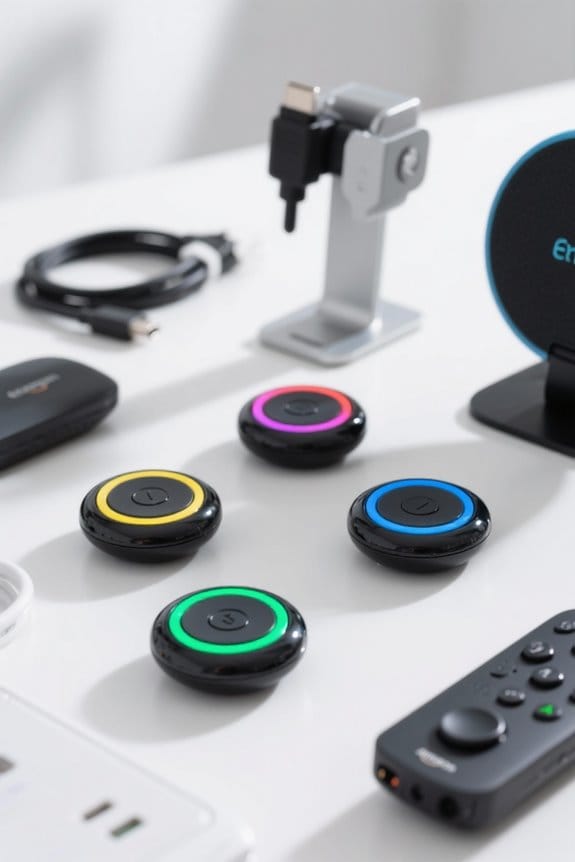
After successfully setting up the Echo Buttons, families can jump straight into an array of engaging games that heighten the fun factor during game nights. One popular option is “Trivial Pursuit Tap,” which allows players to answer trivia questions based on various categories quickly. Another thrilling choice is “Don’t Cut That Wire!” where family members work together to memorize sequences to disarm a bomb, promoting teamwork. For a fruit-themed twist, “Rush Order” challenges participants to tap buttons in the correct order to whip up smoothies. In addition, trivia enthusiasts can enjoy “Buzzer Beater Basketball Trivia” and “Unofficial Marvel Trivia” for some competitive spirit. Families can easily explore more titles by asking, “Alexa, what games can I play with my Echo Buttons?” For those interested in smart home devices, integrating Alexa-compatible plugs can enhance the gaming experience by automating lighting and ambiance for game night.
Trivia and Themed Challenges
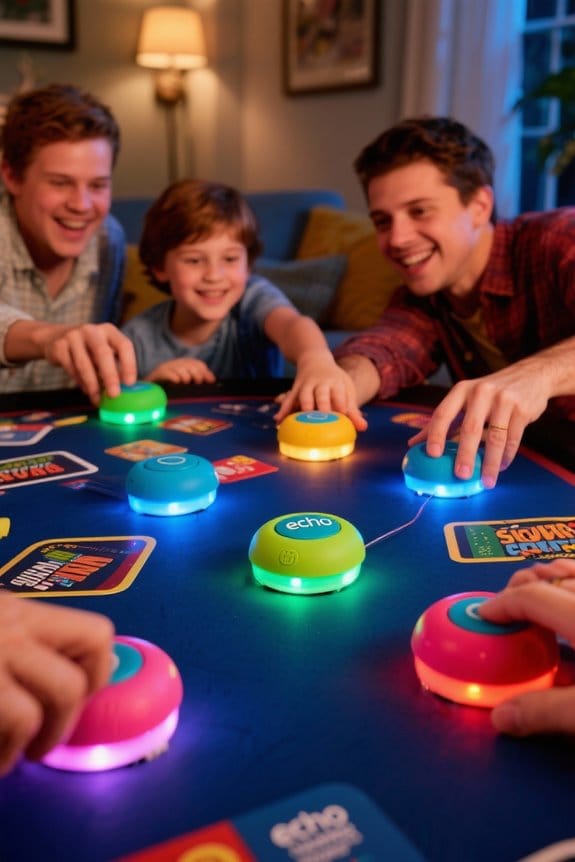
Trivia games and themed challenges provide an engaging way for families to connect and enjoy each other’s company, especially with the added excitement of Echo Buttons. These buttons enhance fast-paced competition, allowing players to buzz in with answers in games like Trivial Pursuit Tap. Family members can also enjoy Hanagram, where pressing the buttons quickly is key to solving anagrams based on clues from Alexa. The flexibility of Amazon’s Alexa Skill Blueprints enables families to create personalized quizzes tailored to their interests, whether that’s sports or pop culture. Echo Buttons add an interactive experience, lighting up when pressed, which encourages participation and friendly rivalry in these fun, themed challenges. Additionally, incorporating Alexa Voice Remote Pro into your setup can improve the overall smart home experience by providing seamless integration and customizable controls.
Customizing Your Own Game With Skill Blueprints
Customizing a game with Alexa Skill Blueprints opens exciting opportunities for family fun, as it allows players to tailor every aspect of their game experience. Families can create custom games by inputting personalized questions, hints, and responses suited to their knowledge levels, making gameplay interactive and engaging for everyone involved. It’s important to name the game show skill appropriately to guarantee easy recognition during play. Users can also adjust game rules and messages, enhancing the overall gameplay experience. Incorporating Echo Buttons as buzzers elevates competitive spirit during family game nights, providing an exciting twist. Before launching, thorough testing of functionalities is critical for a smooth gameplay experience that players will enjoy. Smart light bulbs compatible with Alexa can add an extra layer of fun by changing colors based on game outcomes. So, get creative and start customizing!
Enhancing Family Bonding Through Interactive Play
While families often seek meaningful ways to connect, interactive play with Echo Buttons offers an enjoyable solution that promotes bonding through teamwork and laughter. These fun game devices allow for engaging gameplay, enhancing cognitive skills like quick thinking and memory in family members of all ages. With games such as Trivial Pursuit Tap and Hanagram, everyone can participate, fostering inclusivity. The setup process takes just two minutes, making it easy for families to immerse themselves in play without lengthy preparations. As players collaborate to solve challenges, they enjoy friendly competition, strengthening their relationships through shared experiences. Ultimately, Echo Buttons create opportunities for family bonding, encouraging laughter and collaborative problem-solving in a delightful way. For an immersive listening experience, families can pair Echo Buttons with Amazon Echo devices to enjoy vibrant sound quality during games.
Safety Features and Monitoring With Alexa
When it comes to ensuring a safe and enjoyable environment for kids using Alexa devices, families can take advantage of several built-in safety features. Parental controls through the FreeTime app allow parents to manage access to specific content and services easily. This includes disabling features like calling and messaging, which adds an extra layer of security for younger users. Additionally, FreeTime Unlimited offers a range of kid-friendly Alexa skills and content tailored for safe enjoyment. Monitoring features enable parents to review interactions and gameplay, ensuring appropriate use. Regular updates continually enhance these safety measures, helping families feel secure while exploring interactive fun with Echo buttons and the smart speaker, making it all a more pleasant experience (and less of a worry). In 2026, multi-room audio support allows synchronized playback throughout the home, enhancing family activities and interactive games.
Exploring More Alexa Games for All Ages
How can families enhance their game nights while keeping everyone entertained? With four Echo buttons, families can immerse themselves in various interactive family games like Trivial Pursuit Tap, Hanagram, and Disney Trivia. Using the Echo Dot, participants can engage in adventure games or play classic favorites like Simon Says. The Alexa Skill Blueprints feature allows users to create customized quizzes that cater to family interests, promoting a unique experience each time. There are over 100 compatible skills, ensuring families can explore everything from trivia to strategy games together. Plus, setting up Echo Buttons is quick and straightforward, making them a valuable addition to any game night. With these tools, family fun is just a voice command away. For households looking for eco-friendly power options, rechargeable AA batteries are an essential consideration to keep devices like Echo Buttons powered efficiently and sustainably.
Frequently Asked Questions
Why Are People Getting Rid of Alexa?
People are getting rid of Alexa due to privacy concerns, unreliable voice recognition, and poor device reliability. These frustrations lead many to prioritize data security, seek alternative assistants, and address broader smart home issues impacting user experience.
How to Play a Quiz With Alexa?
To play a quiz with Alexa, users utilize quiz game mechanics via voice command strategies, engaging in interactive trivia sessions. Incorporating Echo Buttons enhances family competition dynamics, while customizing quiz content boosts engagement levels substantially.
How Does the Amazon Echo Kids Edition Facilitate Family Interaction?
The Amazon Echo Kids Edition facilitates family interaction through Echo Kid features, enabling fun educational activities like interactive learning and creative storytelling during family game night, enhancing holiday traditions with voice recognition benefits and engaging experiences for all.
What Is Alexa’s Secret Code?
Alexa’s Secret Code is a quirky command activating specific Alexa features. It enhances user engagement through voice recognition and gaming integration, addressing privacy concerns while enabling smart home interactions in a fun, interactive manner.


